What it does
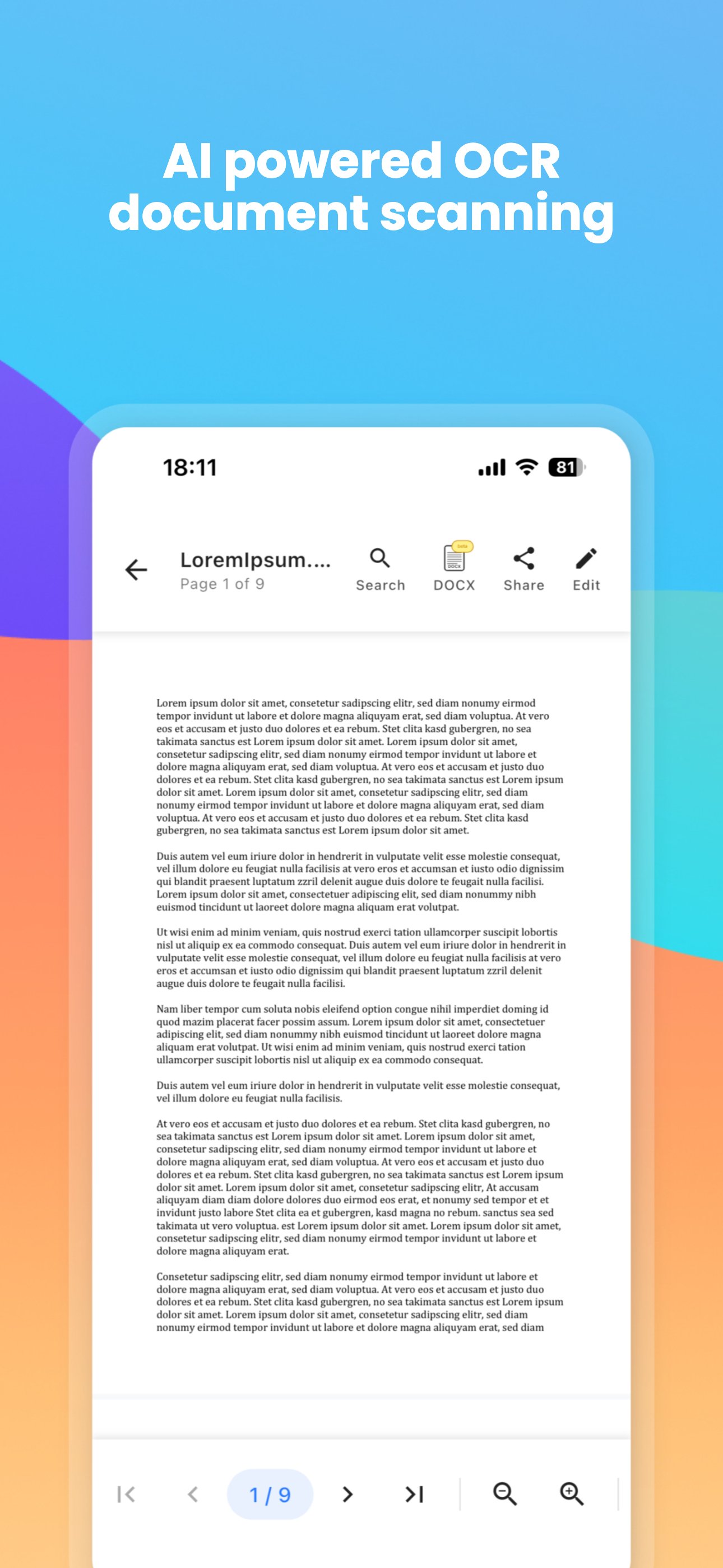
Scan documents with automatic edge detection and perspective correction
Edit text, images, and pages directly within PDFs
Create and apply digital signatures with ease
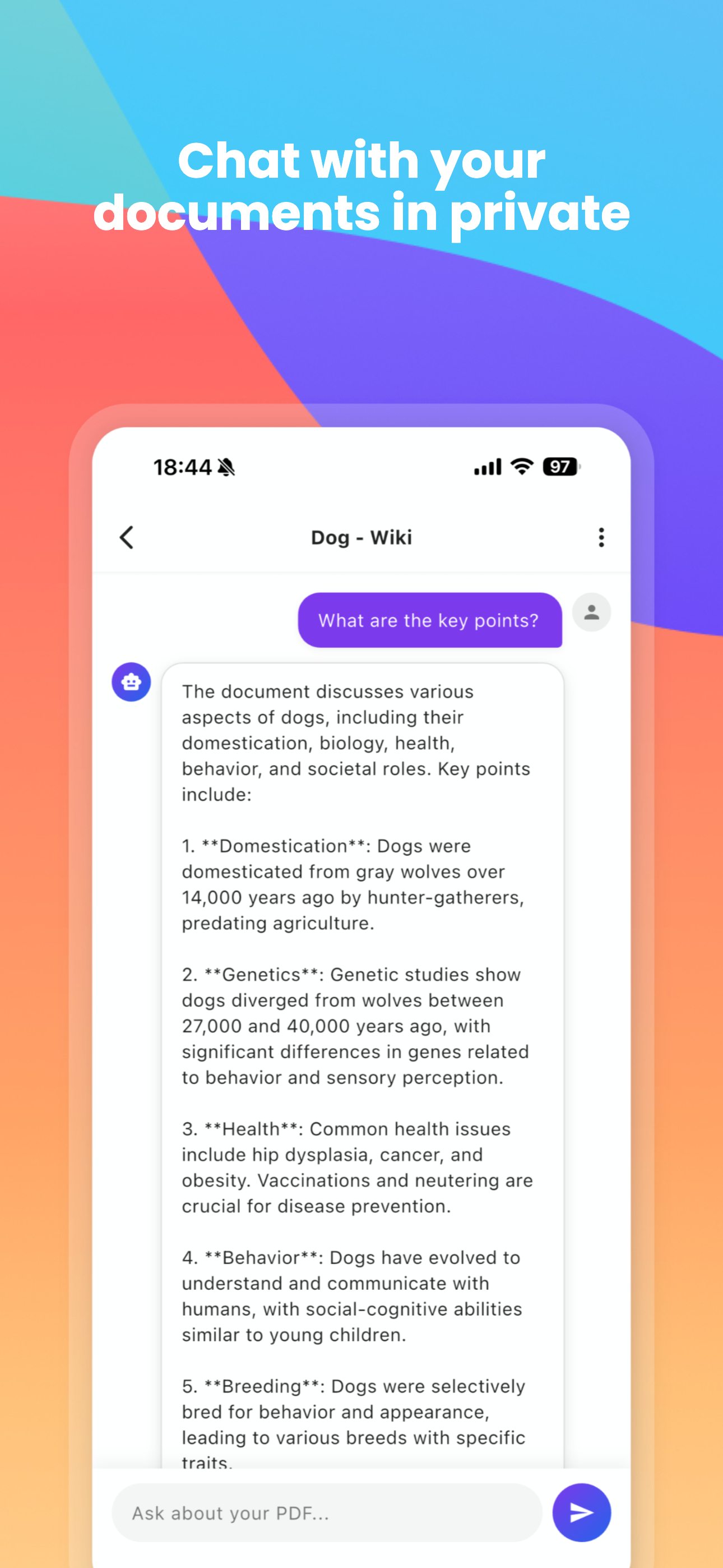
Chat with your documents using on-device AI - completely private
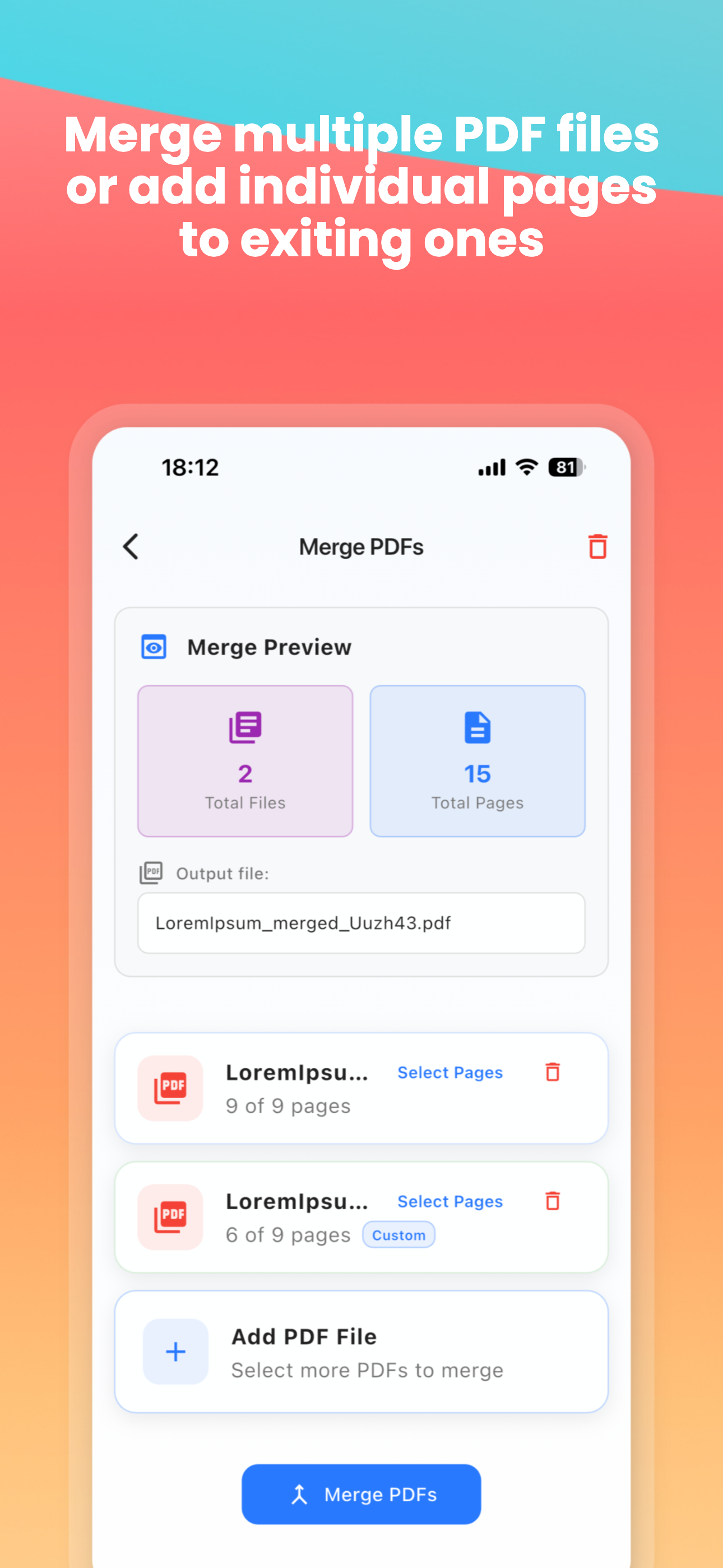
Merge, split, and reorganize PDF pages
Your documents stay on your device - complete privacy
Why we built it
PDF apps shouldn't require a subscription for basic features. We built PDF Master because we needed a powerful, private PDF tool that doesn't nickel-and-dime you for every feature. The AI chat feature uses on-device processing, so your sensitive documents never leave your phone.
Frequently Asked Questions
Yes! The AI processing happens entirely on your device. Your documents are never uploaded to any server. This is especially important for sensitive documents like contracts or financial records.
PDF Master requires iOS 15.0 or later. The AI chat feature requires a device with an A12 chip or newer for optimal performance.
Yes! You can easily convert photos from your camera roll into PDF documents. The app also includes PDF compression to reduce file sizes for easier sharing via email or messaging apps.